UniSage – AI Academic Assistant (Agentic RAG)
Graduation thesis: an AI assistant that answers students' academic questions from the university documents they are allowed to read, built on an agentic RAG pipeline with guardrails, cost control and observability.
Overview
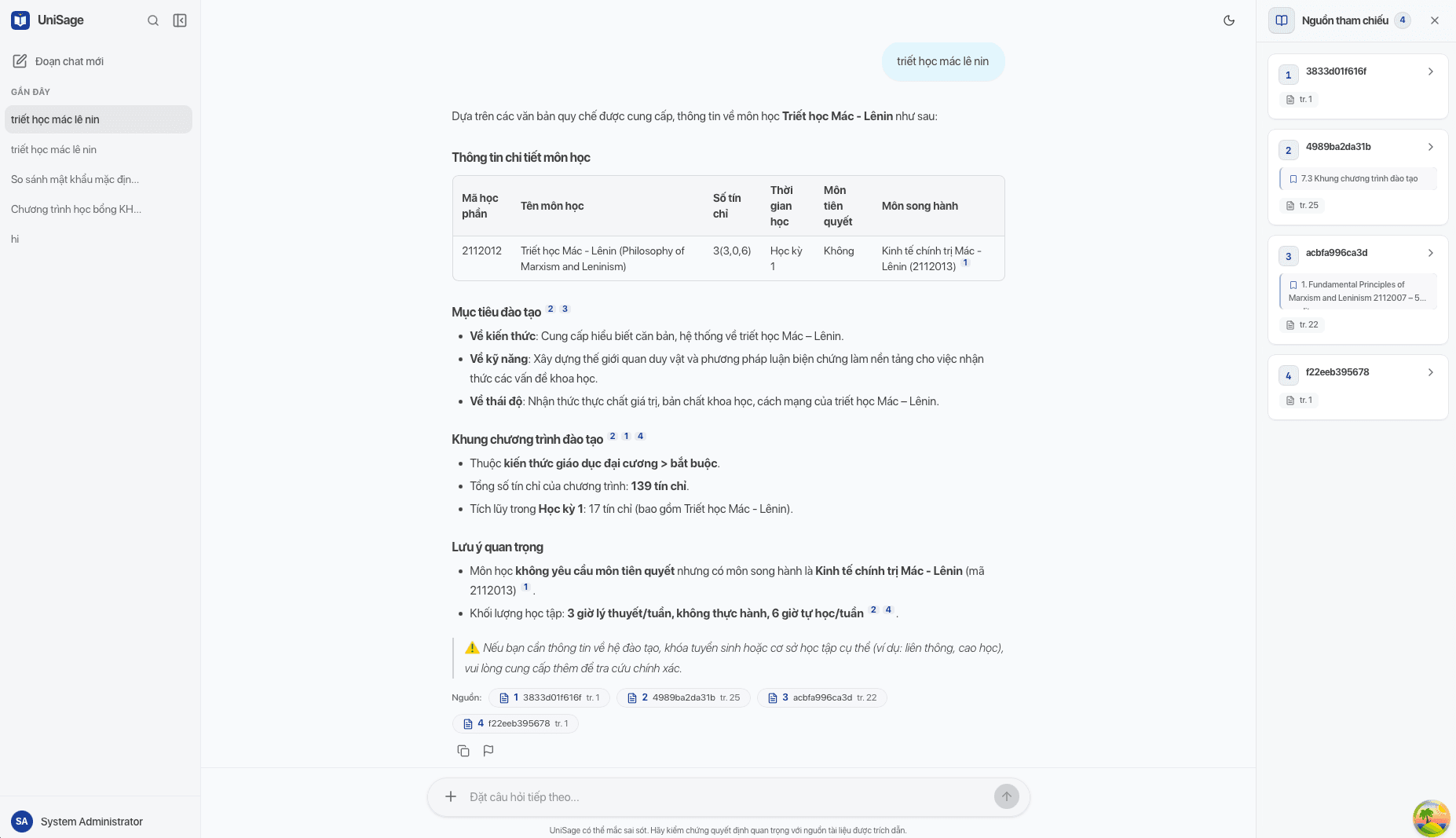
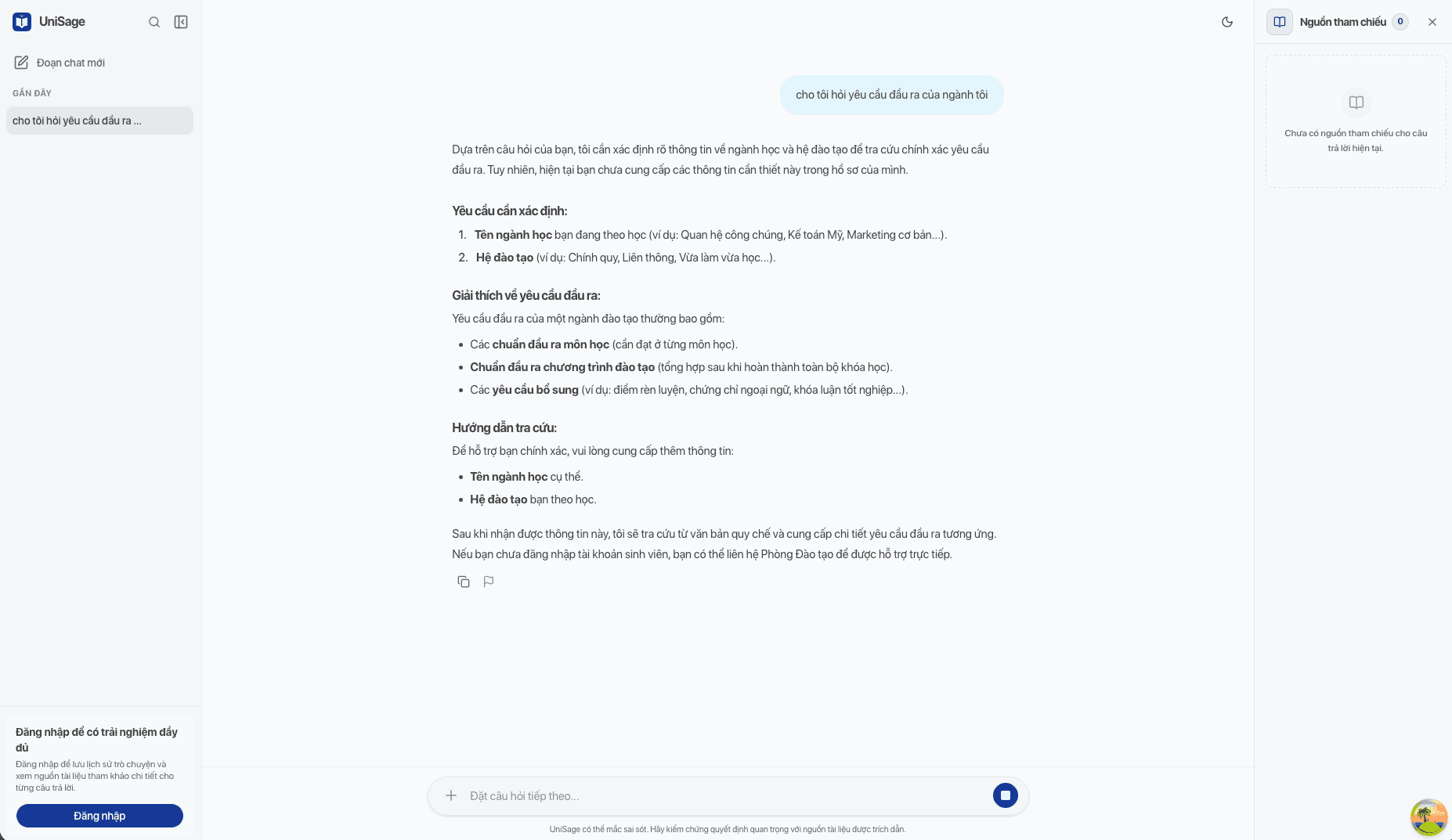
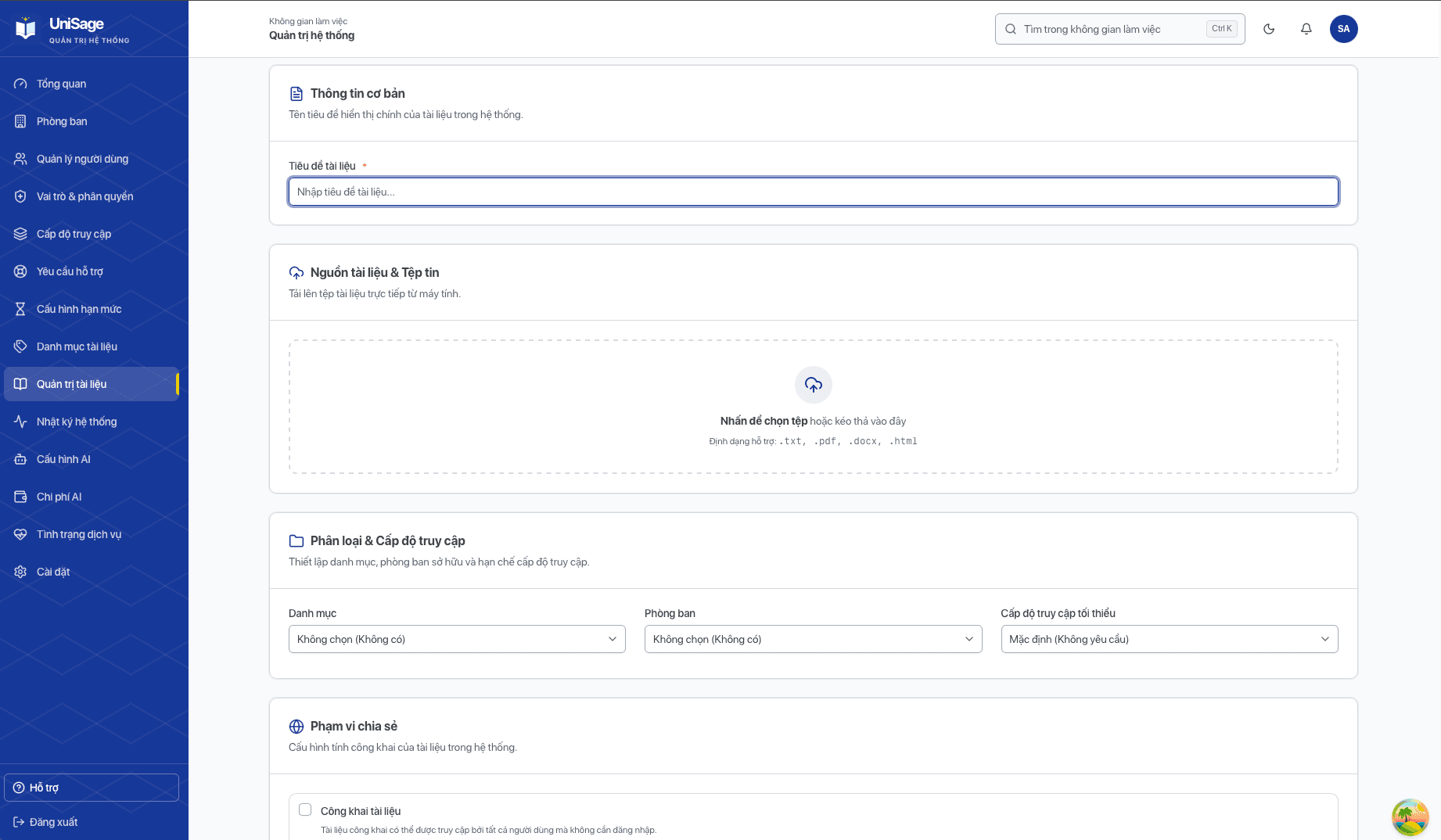
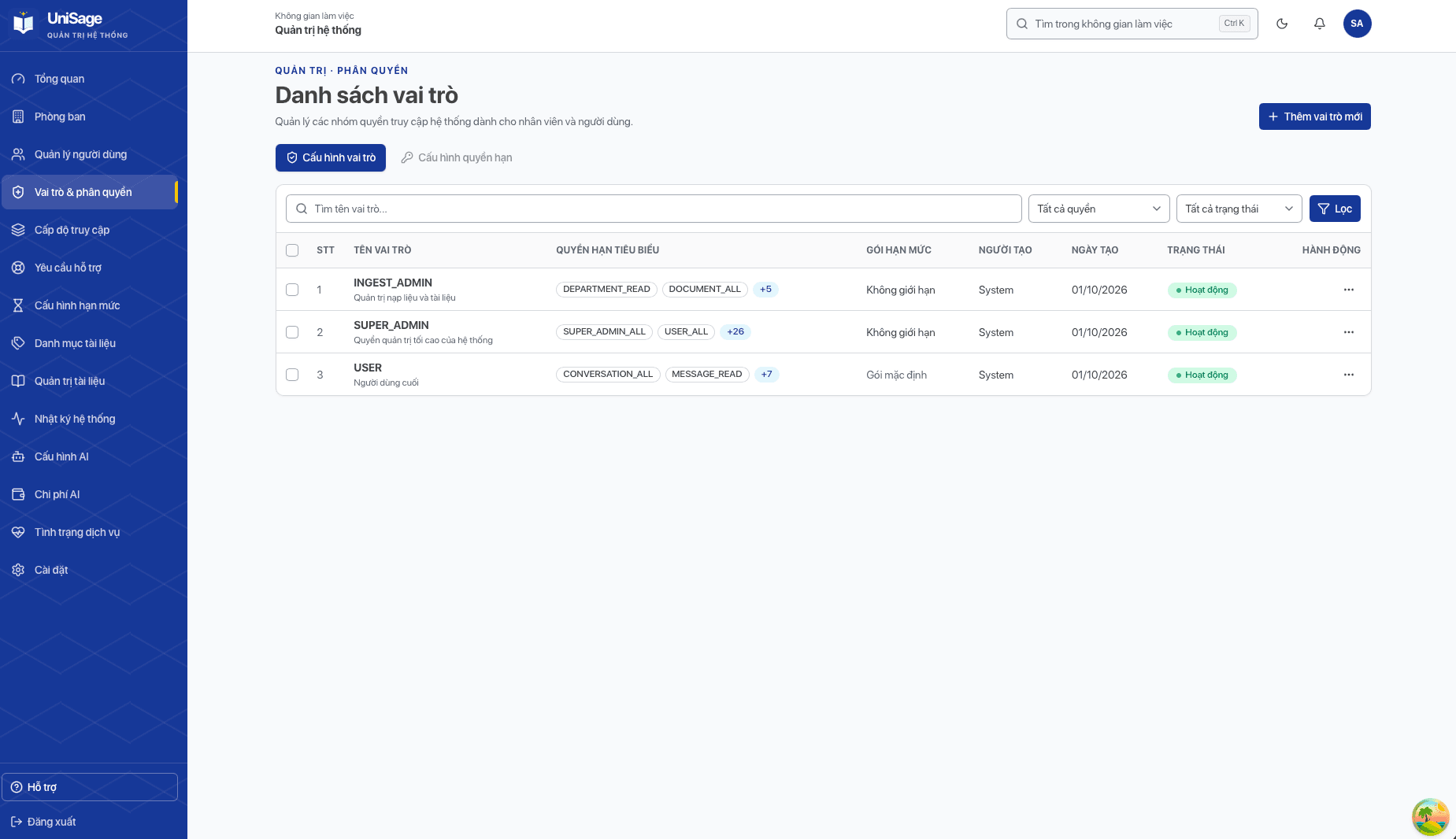
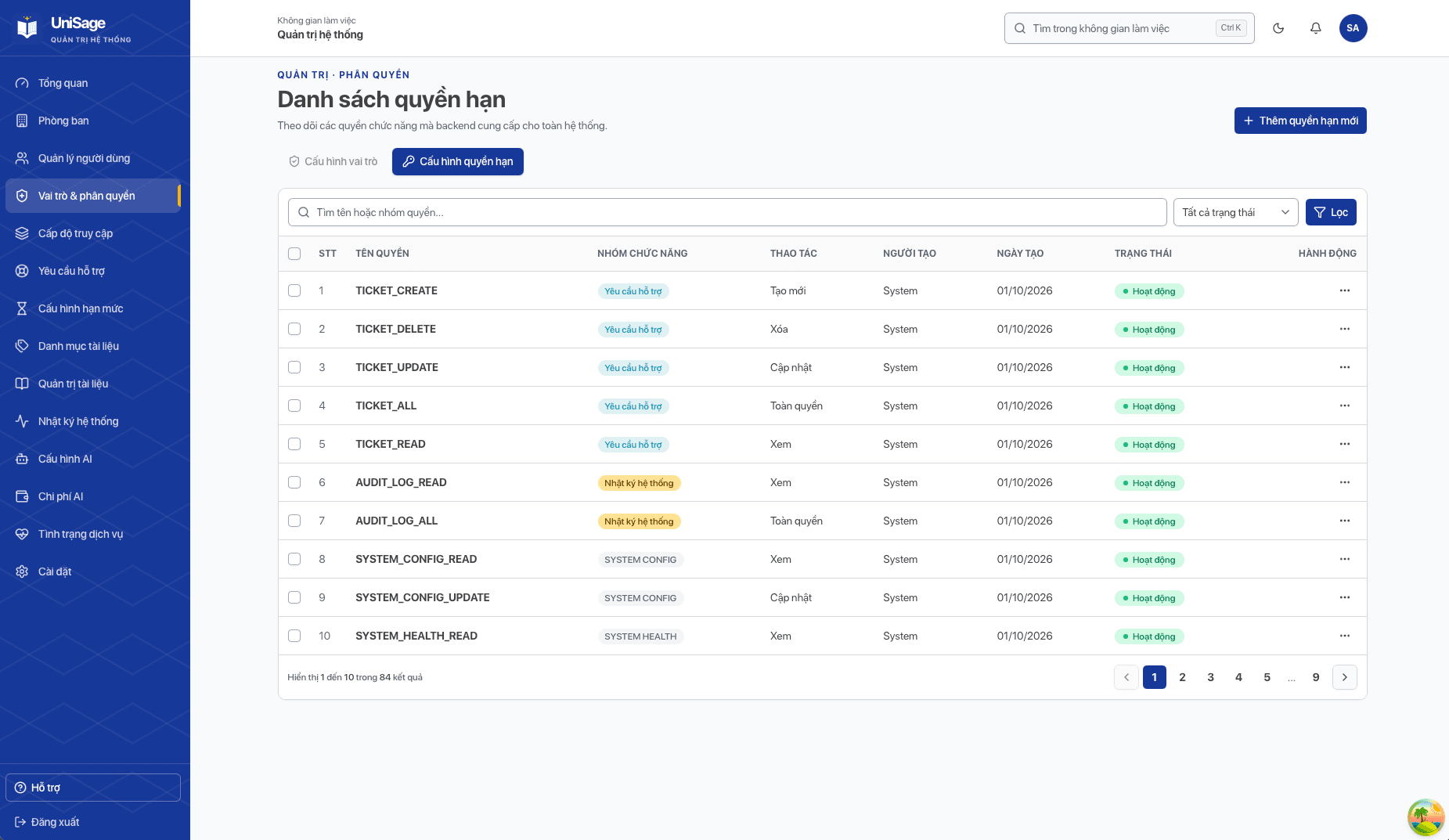
UniSage is an AI academic assistant for university students. Staff upload regulations, curricula and announcements; the system parses, chunks and embeds them into Qdrant. Students ask questions in Vietnamese and receive streamed answers grounded in the documents they are allowed to read, with citations. The AI service is a FastAPI app whose chat flow is an agent graph (intent routing, query rewriting, retrieval, reranking, tool calling and generation). It sits behind an API Gateway, next to a Spring Boot backend that owns users, roles and conversations, and a React web app for students, document ingesters and administrators. Token usage and cost are tracked per request, and requests fail over between LLM providers.
Architecture Design
Microservices: Spring Cloud Gateway in front of a Spring Boot backend and a Python FastAPI AI agent, with a React web app
Key Features
Technical Implementation
Document Ingestion & ETL
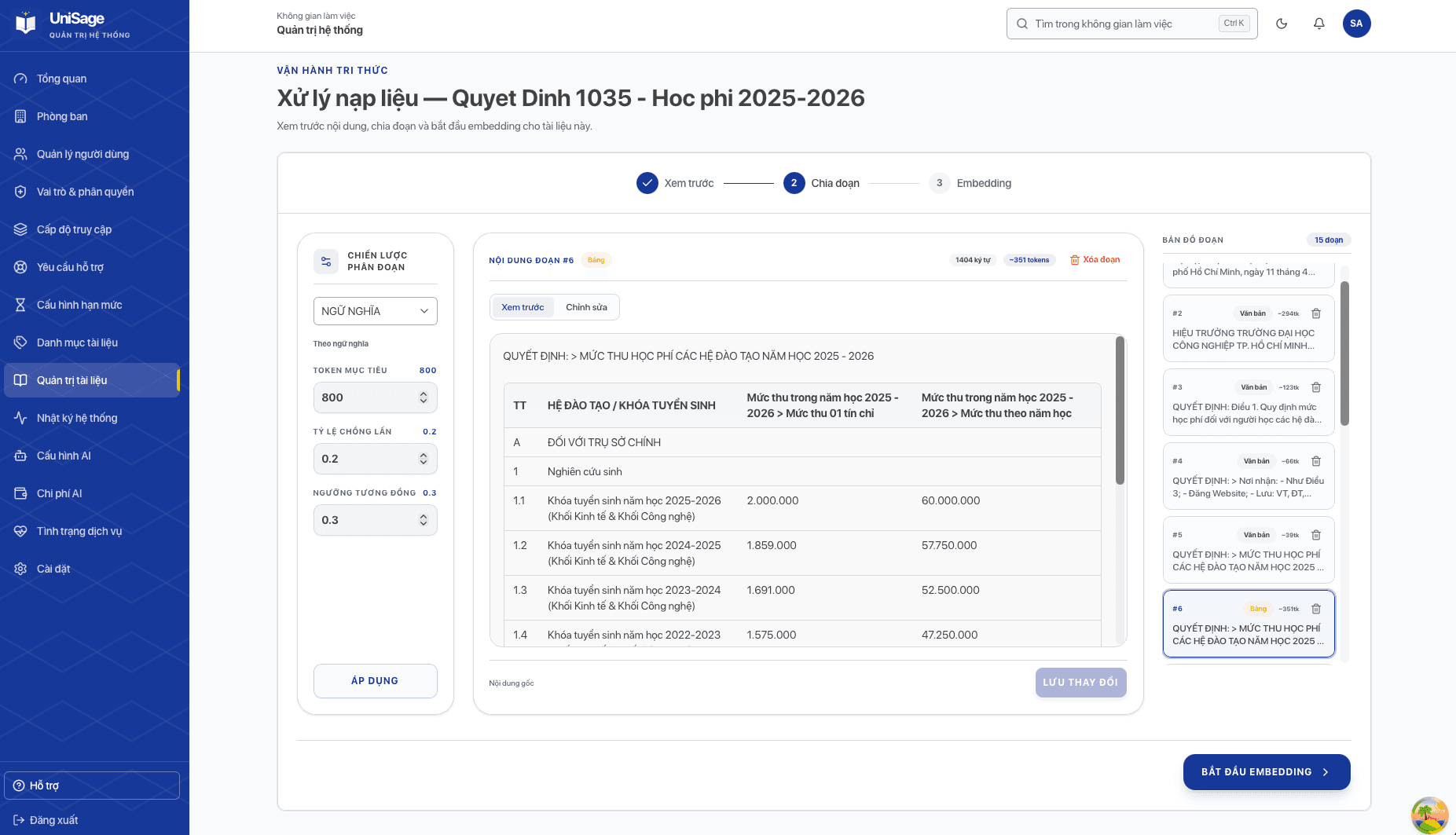
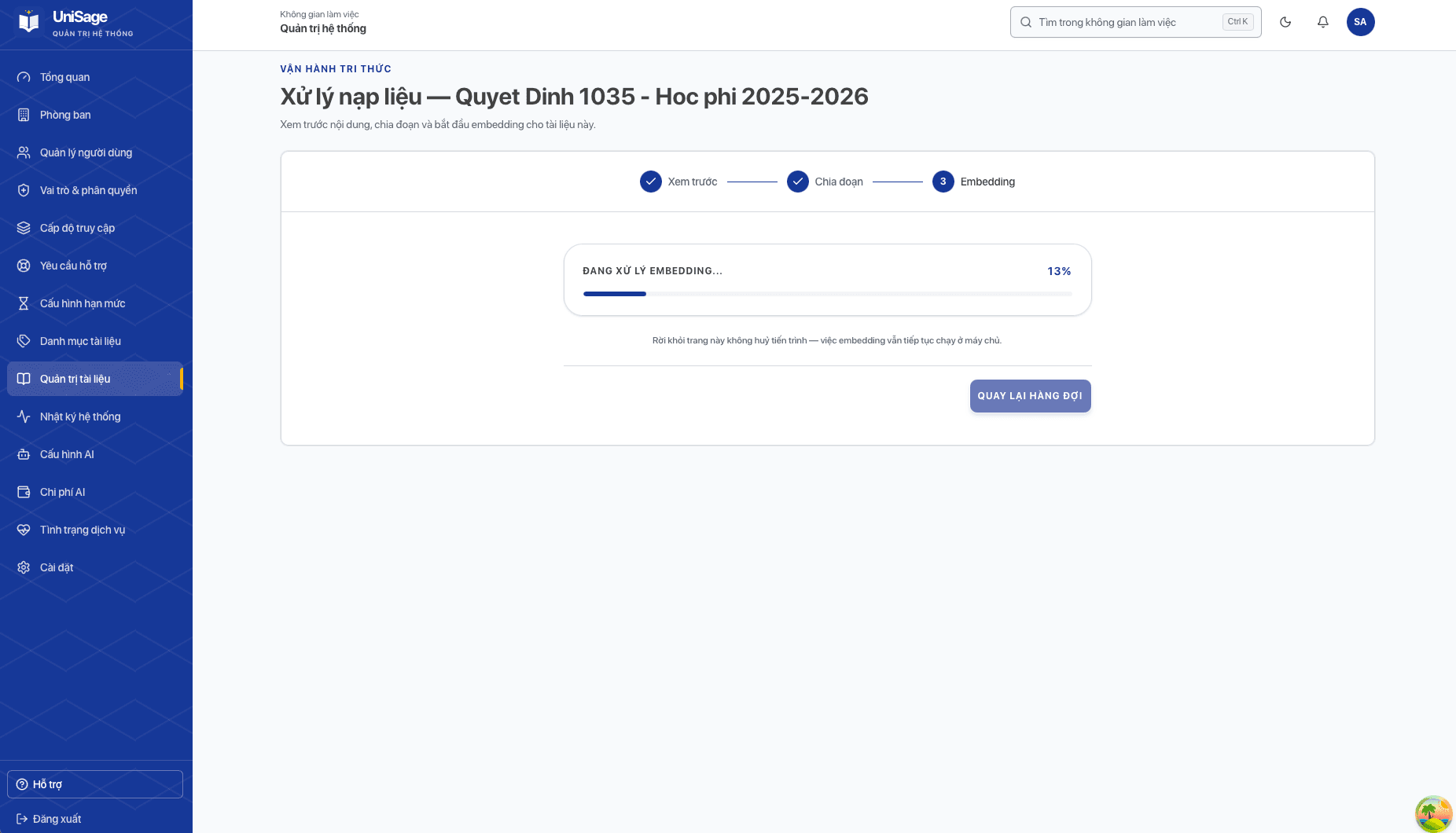
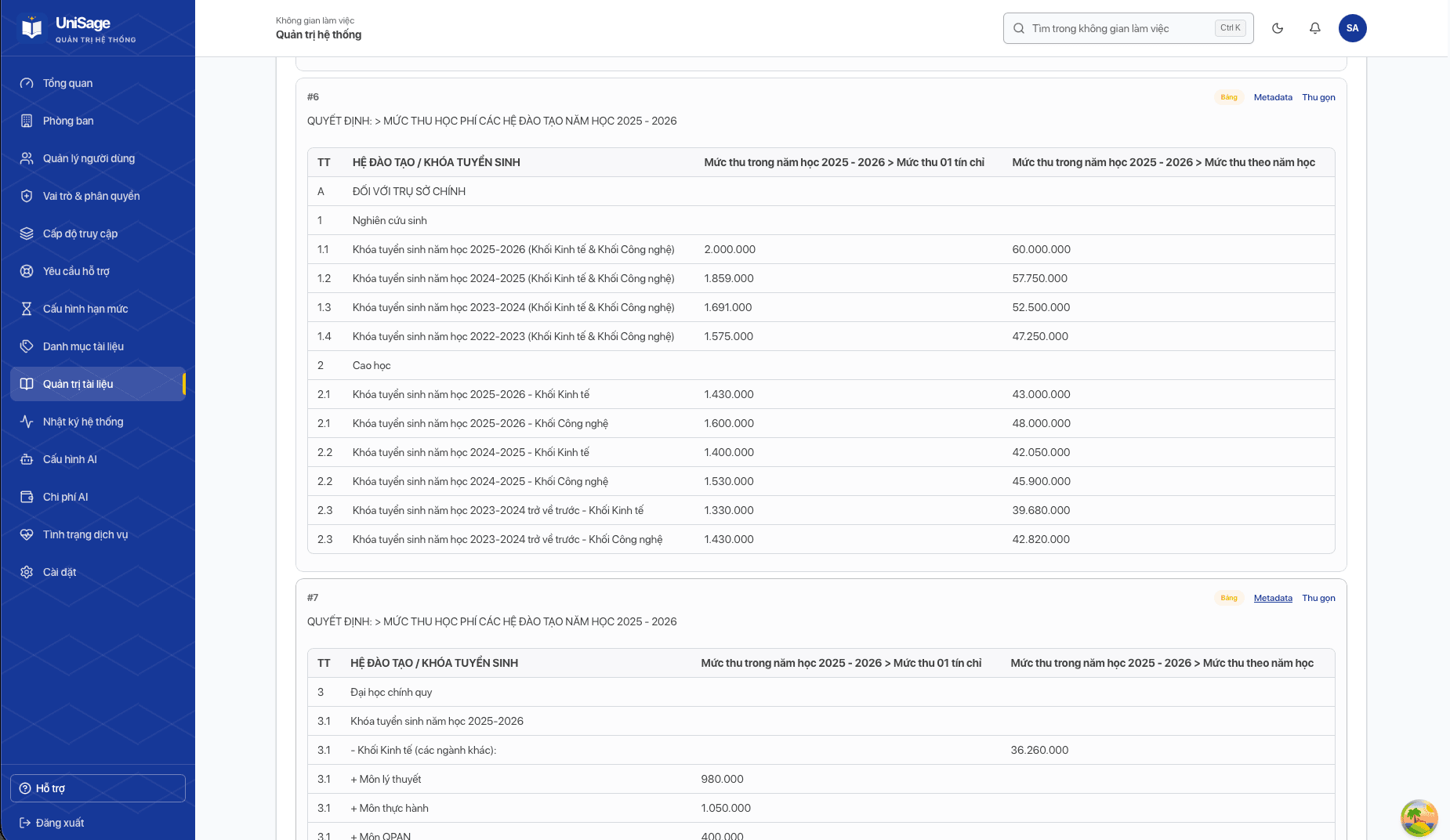
- Uploads PDF, DOCX, XLSX and TXT files to MinIO and previews the parsed result before indexing
- Table-aware parser rebuilds merged and multi-level table headers so tables stay readable after chunking
- Several chunking strategies (recursive, token, semantic, markdown, table-row, Excel-row) chosen per document type
- Chunking and embedding run as background Celery jobs; progress is pushed to the web app over WebSocket
Indexing & Retrieval
- Each chunk is stored in Qdrant with three named vectors: raw content, LLM summary and generated sample questions
- Search runs on all three vectors and keeps the best score per chunk, raising recall for short factual questions
- Permission filters built from the verified JWT are applied inside every vector query, so users never retrieve documents they cannot read
- Chunk metadata is stored as Qdrant payload with indexes for filtered search
AI Agent Orchestration
- Chat flow modelled as a Pydantic Graph: message classification → intent routing → query transformation → retrieval → rerank → generation
- HyDE rewrites follow-up questions into standalone queries; comparison questions are split into sub-queries
- LLM-as-judge rerank keeps only the chunks that actually answer each sub-query
- Falls back to web search (Tavily) or a support ticket when no document answers the question
- Asks a clarification question when required information is missing
- System prompts are versioned YAML templates assembled by a prompt builder
Safety, Cost & Observability
- JWT authentication at the API Gateway; the agent only trusts headers injected by the gateway
- Vietnamese/English prompt injection detection and secret redaction shared by the Python and Java services
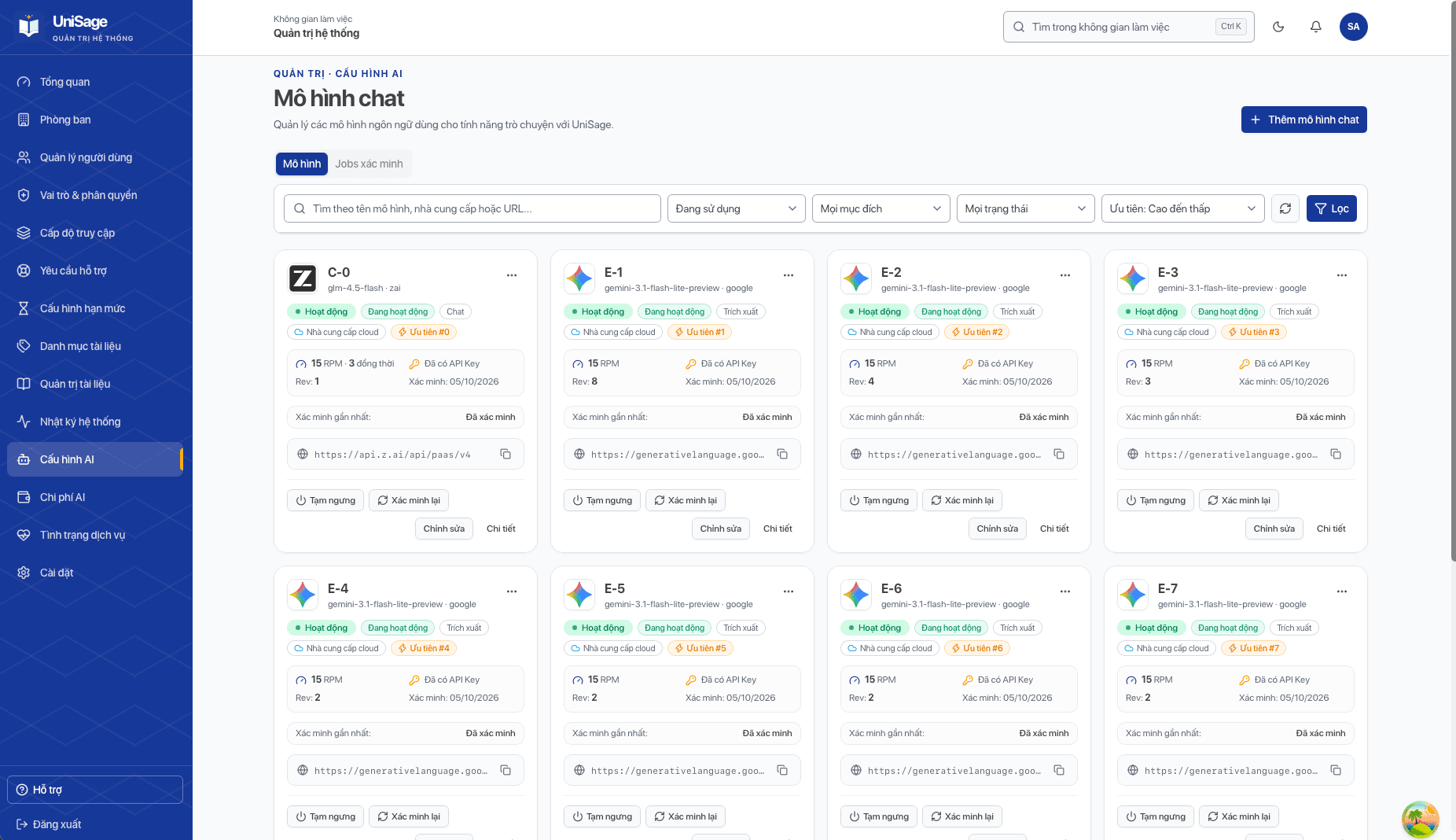
- Model registry with multiple LLM providers, automatic failover, RPM and concurrency limits
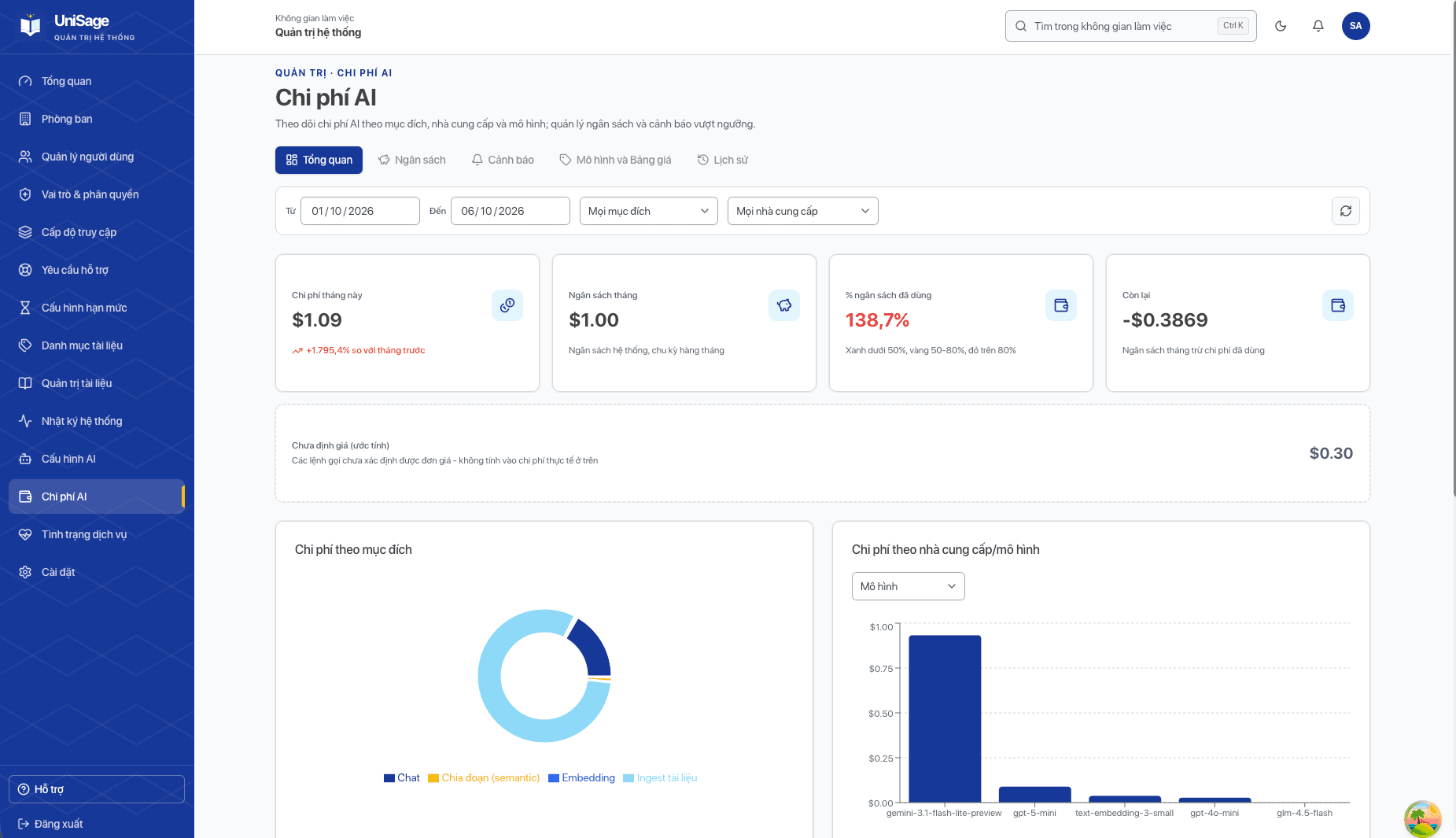
- Token budgets enforced with Redis Lua scripts; usage and cost are reported to the admin dashboard
- Structured per-node tracing, health checks for every dependency and Slack alerts
Screenshots & Previews
Technologies Used
System Pattern
Microservices: Spring Cloud Gateway in front of a Spring Boot backend and a Python FastAPI AI agent, with a React web app